FinishTrax FinishTrax
Private beta · iPhone & iPad

Built for people who start everything and finish nothing.

A task outliner with automatic progress tracking — designed for ADHD minds that need to see the shape of their work, not just a longer list.

If nothing opens, email support@finishtrax.app with subject "FinishTrax Private Beta Access".

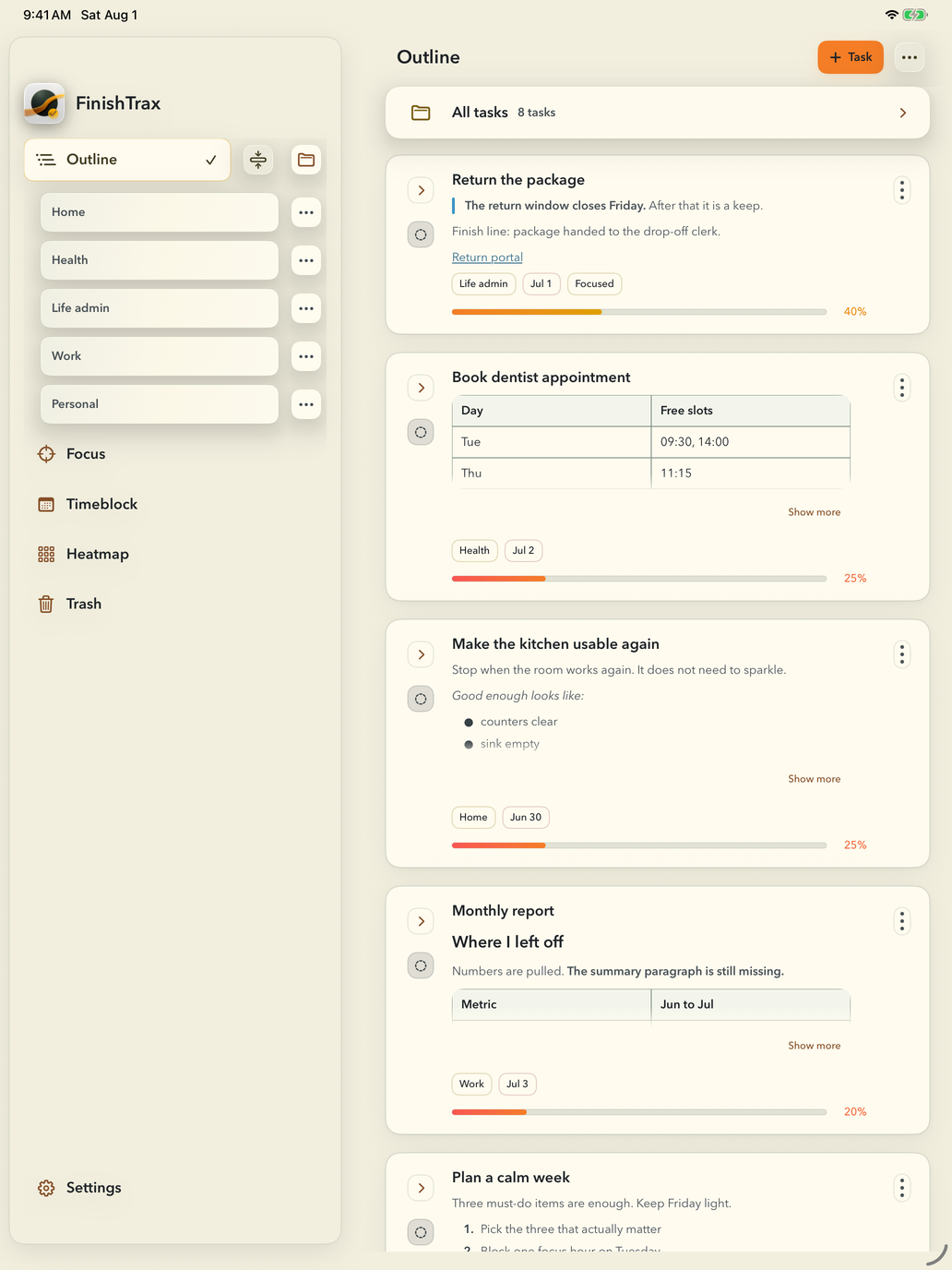
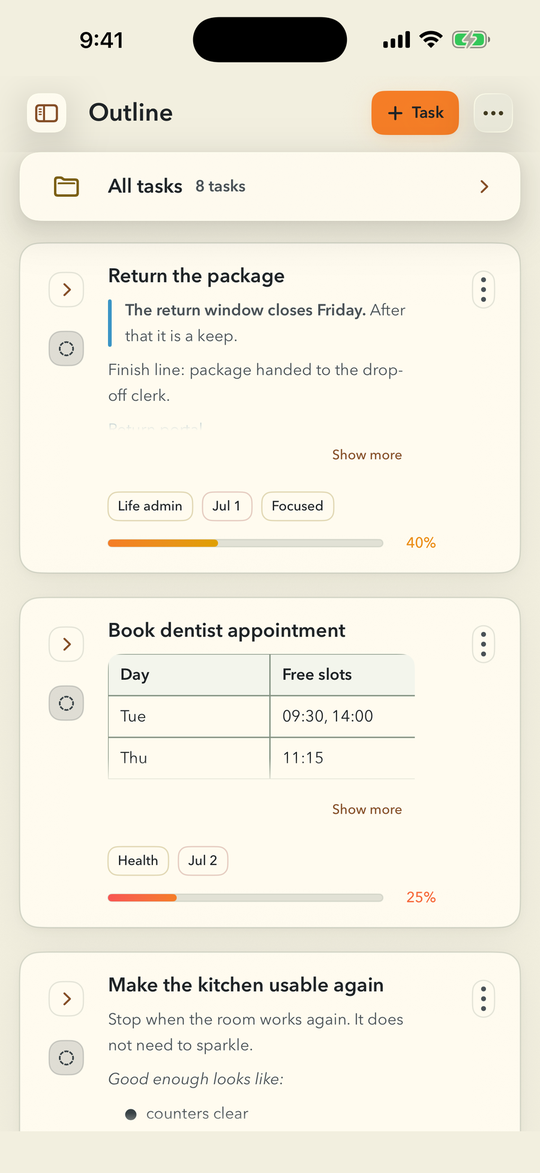
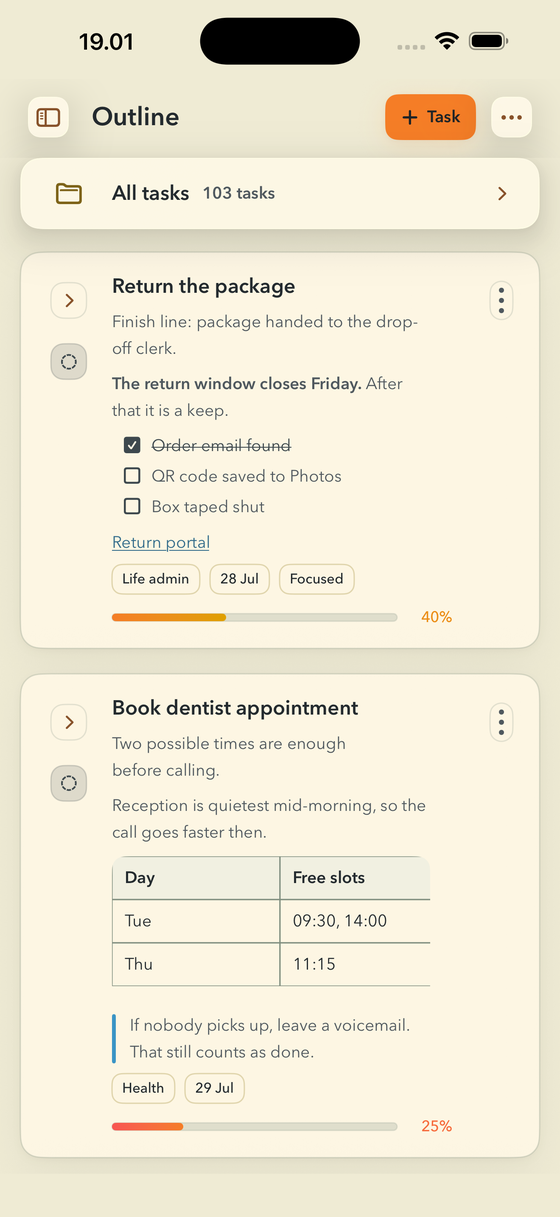
FinishTrax Outline screen. Two task cards carry their own Markdown notes: the first has a checklist with one item ticked off and a link, the second has a two-column table of free appointment slots and a quoted reminder. Each card shows a progress bar.

Most to-do apps give you a flat list.
A flat list can grow into another pile
to feel guilty about.

When everything is at the same level of importance, nothing feels manageable. You open the app, see 47 items, and close it again.

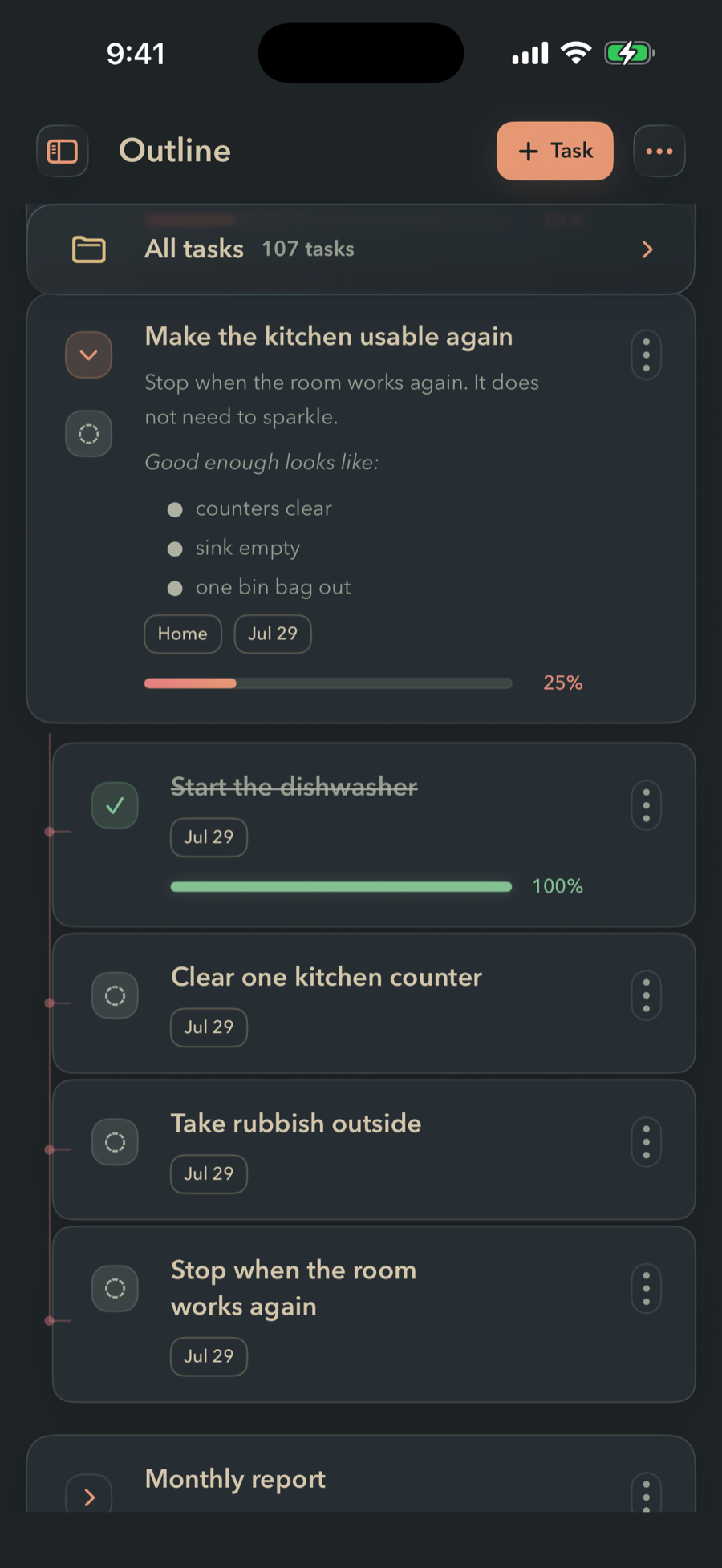
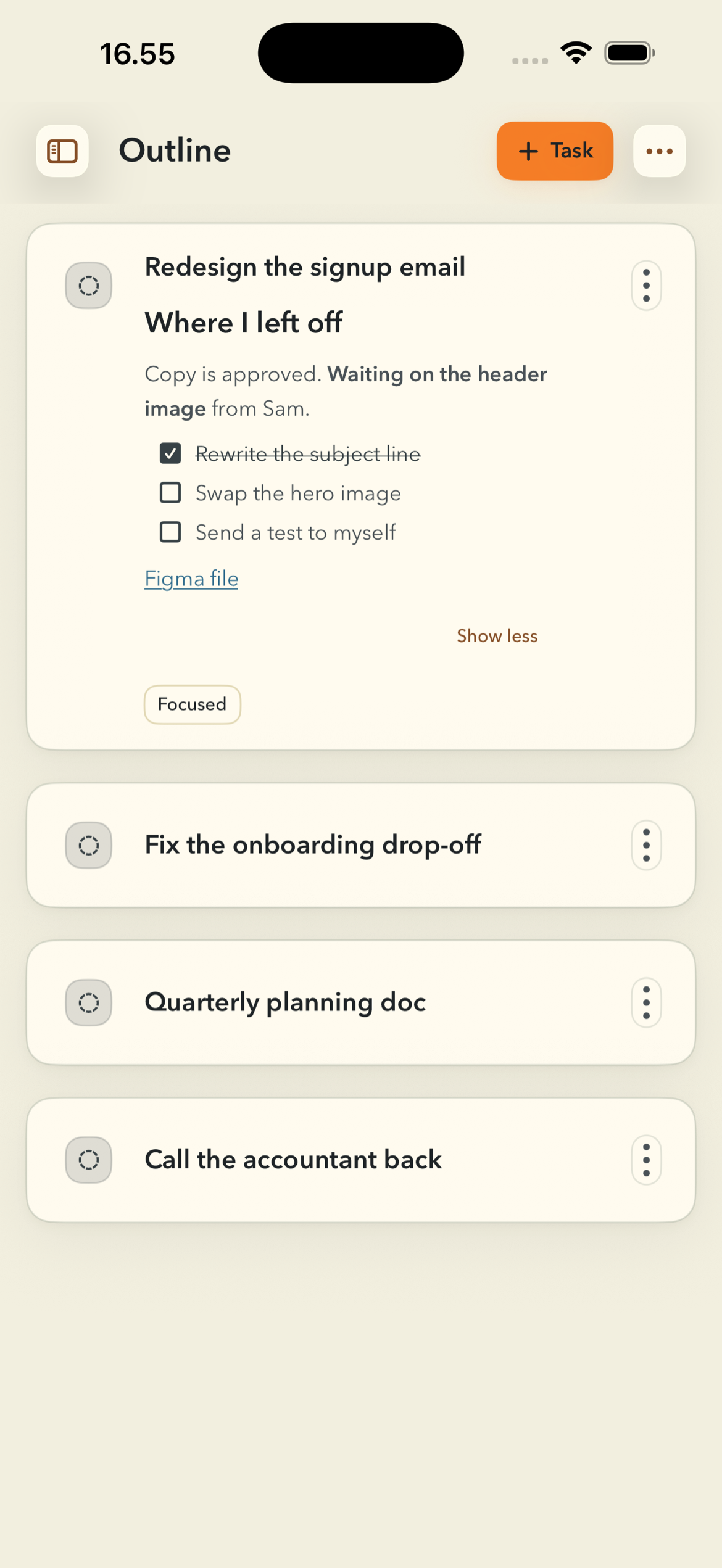
FinishTrax gives your work a shape. Projects nest into subtasks. Progress rolls up automatically. You can zoom into one branch and ignore everything else while you work.

If a flat list already works for you, keep it — you don't need this. FinishTrax is for the rest of us: the ones with four abandoned to-do apps and a graveyard of almost-finished projects.

Outline

Your work has depth.
Your task list should too.

Unlimited nesting, automatic progress rollup from child tasks, folders, and full-text search. Organize into the shape your project actually has — FinishTrax adapts to it, not the other way around.

  • Unlimited nested hierarchy — projects, tasks, subtasks at any depth
  • Progress rolls up automatically from children
  • Reorder a branch or move a task under a new parent
  • Due dates, folders, full-text search
FinishTrax Outline with a branch expanded. The parent task sits at 40 percent while its subtasks are listed beneath it on a connecting line — two finished at 100 percent, two still open.
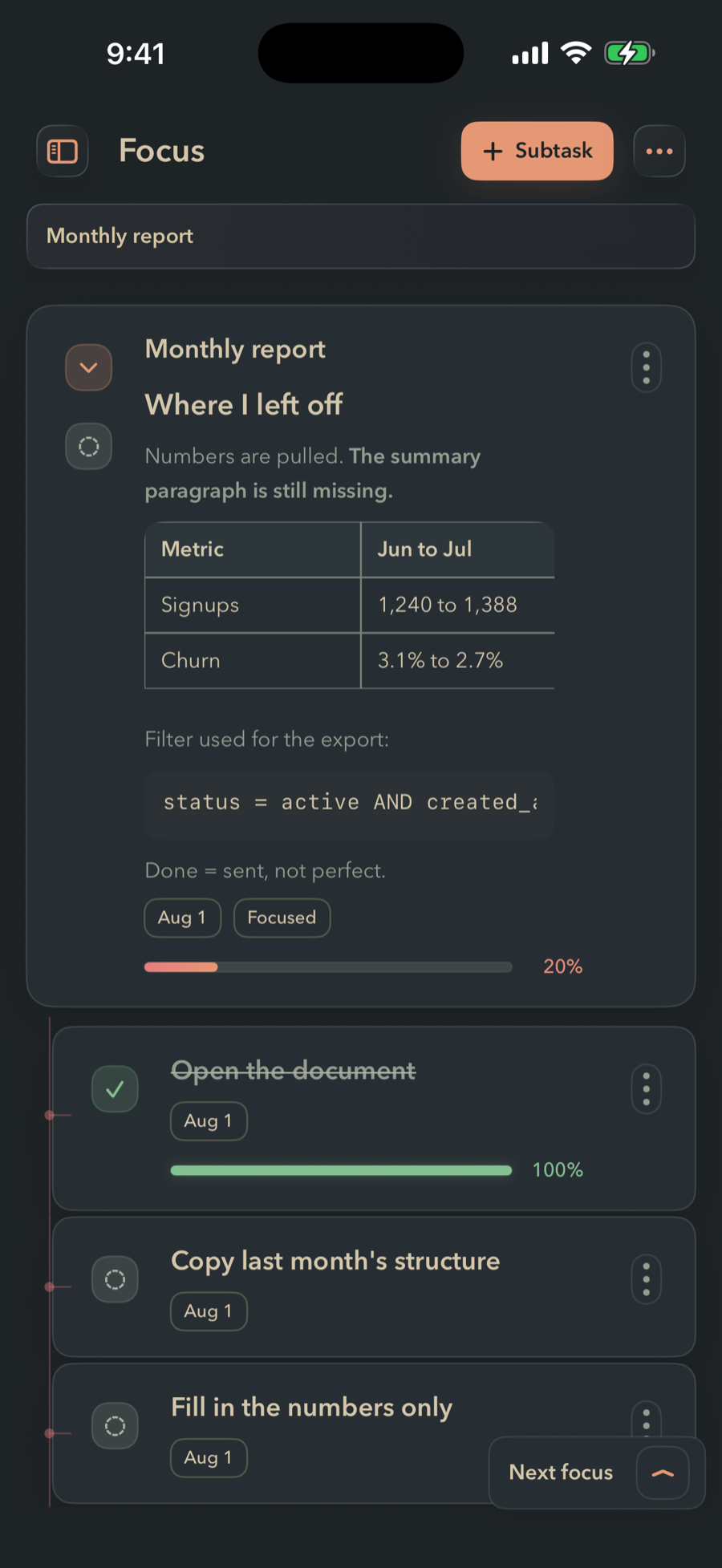
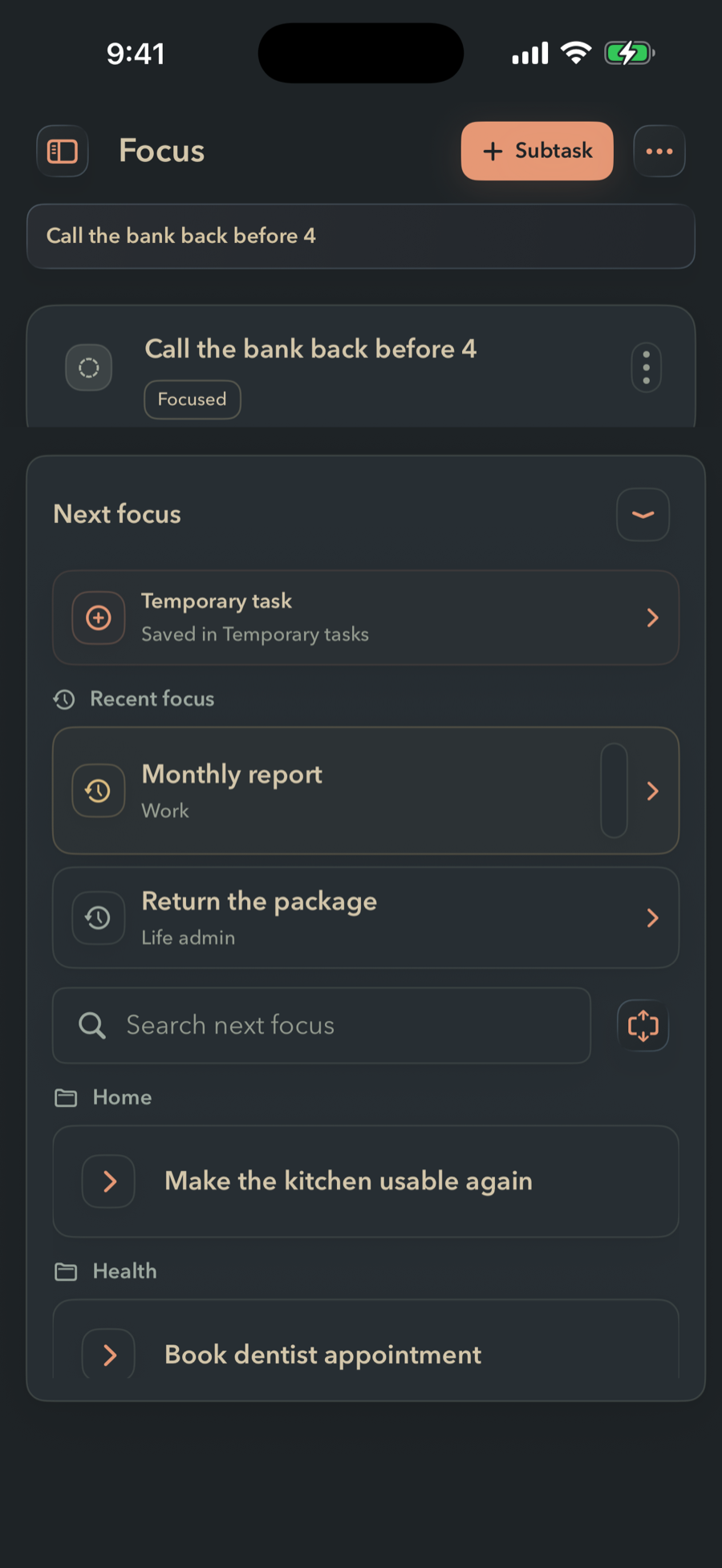
FinishTrax Focus mode with the Next focus queue open at the bottom. The queue groups upcoming tasks by folder and has its own search field.
Focus

One branch.
Everything else disappears.

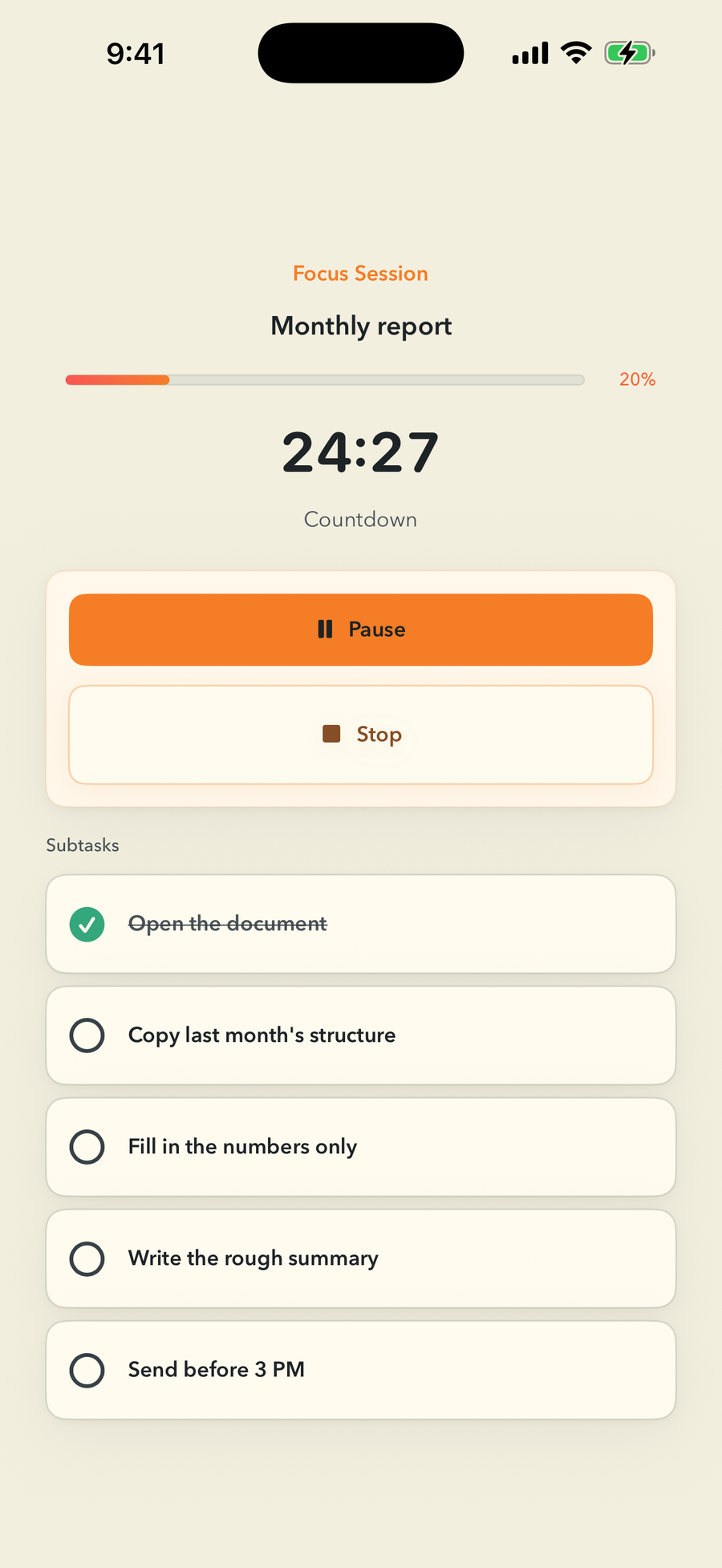
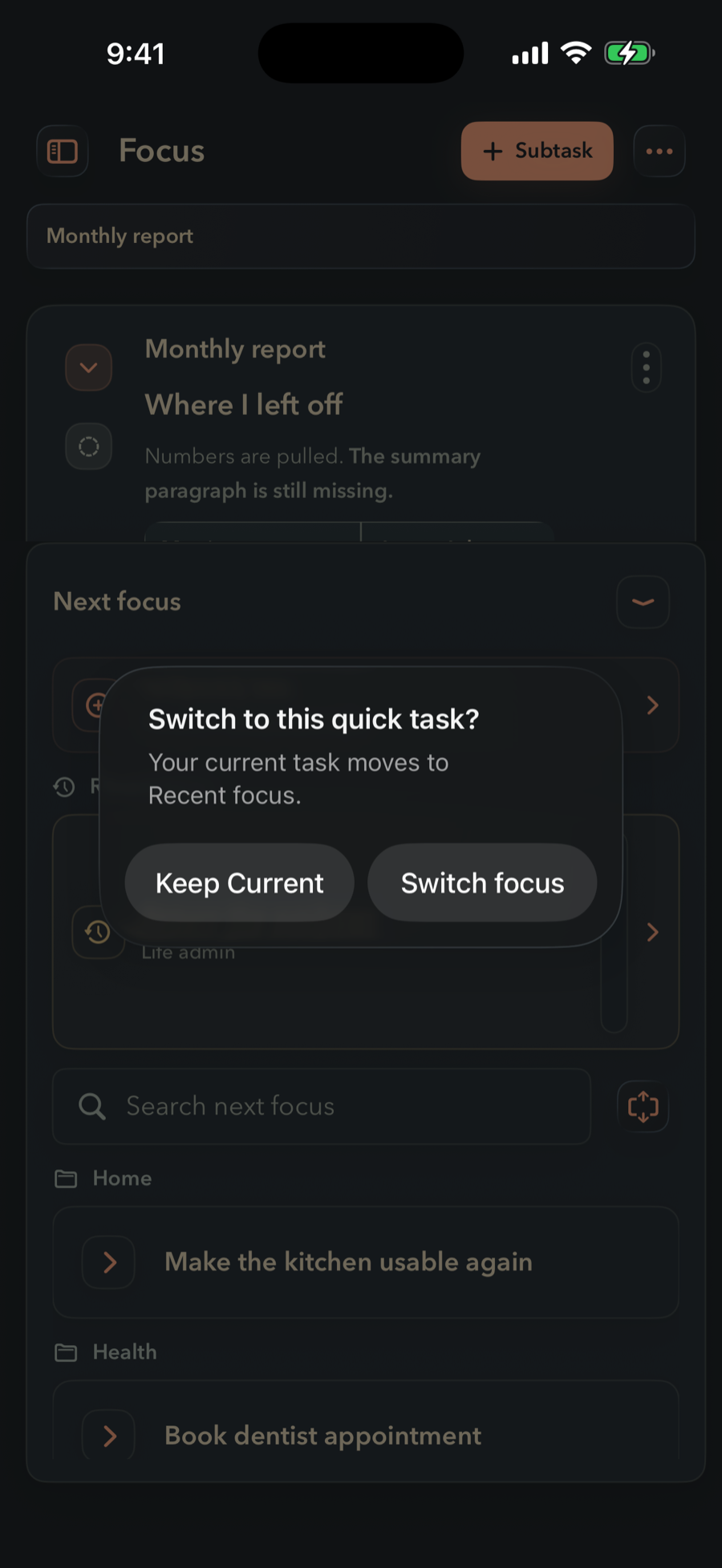
Step into a single task branch and work without seeing the rest of your list. Breadcrumbs keep you oriented. The Next Focus queue lets you move deliberately when you're ready — no jumping, no getting pulled off track.

  • Zoom into one branch — everything else hides
  • Breadcrumb nav keeps you oriented at any depth
  • Next Focus queue: move through tasks deliberately
  • Temporary tasks that stay local to the session
Notes

The task remembers.
So you don't have to.

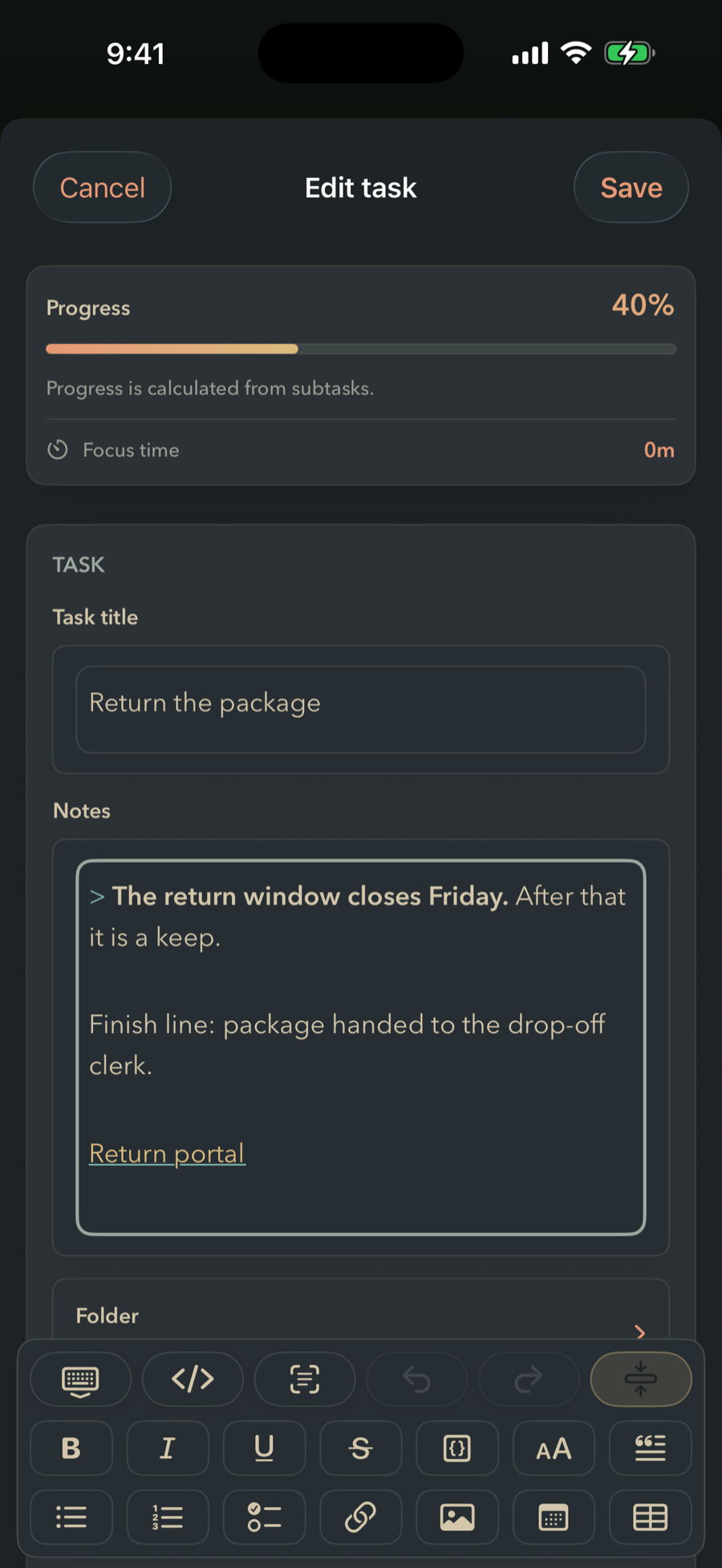
If you've ever reopened your own task and had no idea what you meant — you're not careless. The context was never in the task. It was in your head, three weeks ago, and you start the thinking over from zero. Every task here carries its own Markdown note: the link, the screenshot, the half-written paragraph. Open the task and the thinking is already there.

  • Headings, checklists, tables, code blocks, quotes, and links
  • Images straight from your camera or photo library, kept on device
  • Rich formatting toolbar — or drop into the raw Markdown source anytime
  • Apple Writing Tools built in, for when the first sentence won't come

It lives inside the task — not in a second app you have to keep in sync.

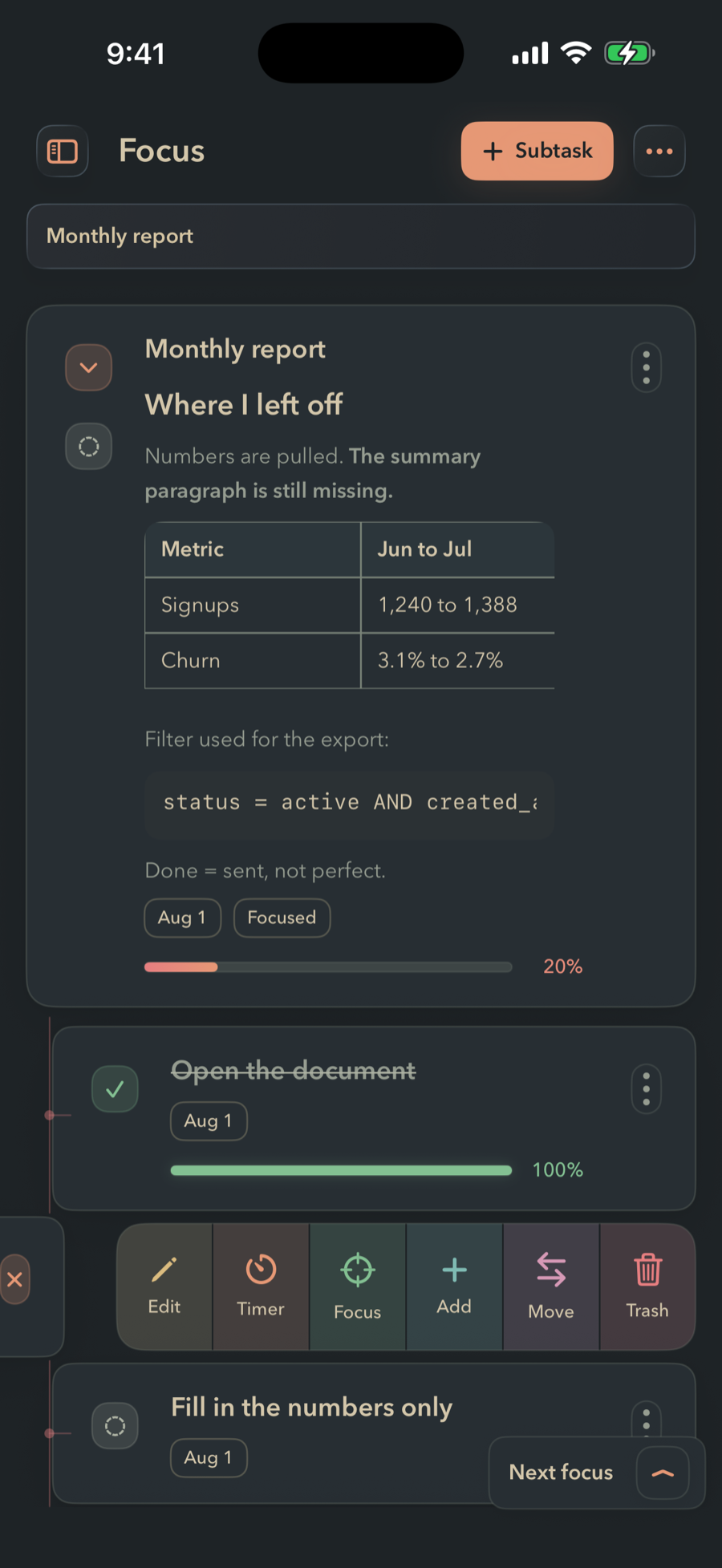
Two FinishTrax task cards with their Markdown notes rendered inline. The first has italic text and a bullet list; the second has a heading, bold text, a two-column table of metrics and a fenced code block.
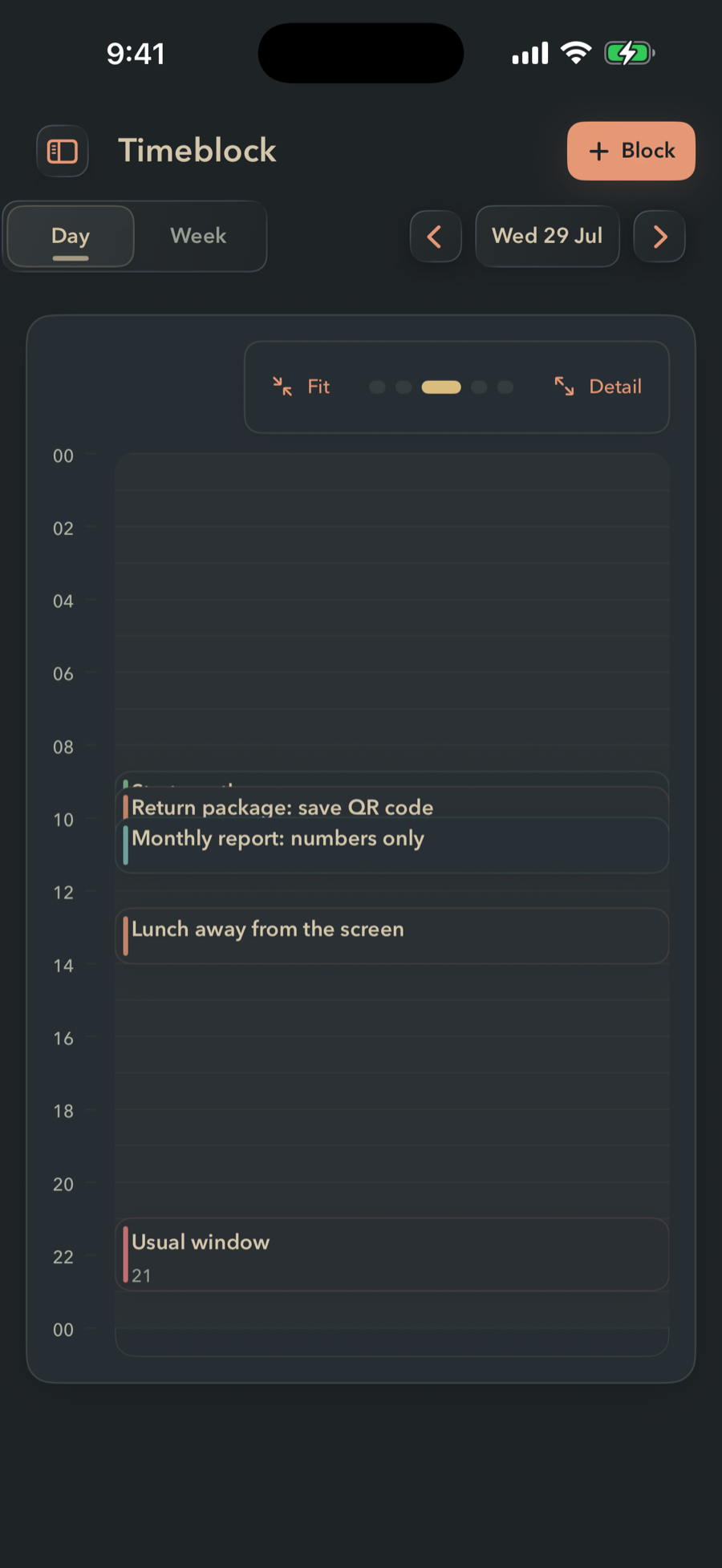
FinishTrax Timeblock day view. A full 24-hour grid for one day with three blocks placed on it, each linked to a task.
Timeblock

Give the next step
somewhere to live.

A task with no time attached is a task you will read again tomorrow and still not start. Drop a block on the calendar and the decision is already made — you don't have to re-choose every morning.

  • Day view for one honest 24-hour picture
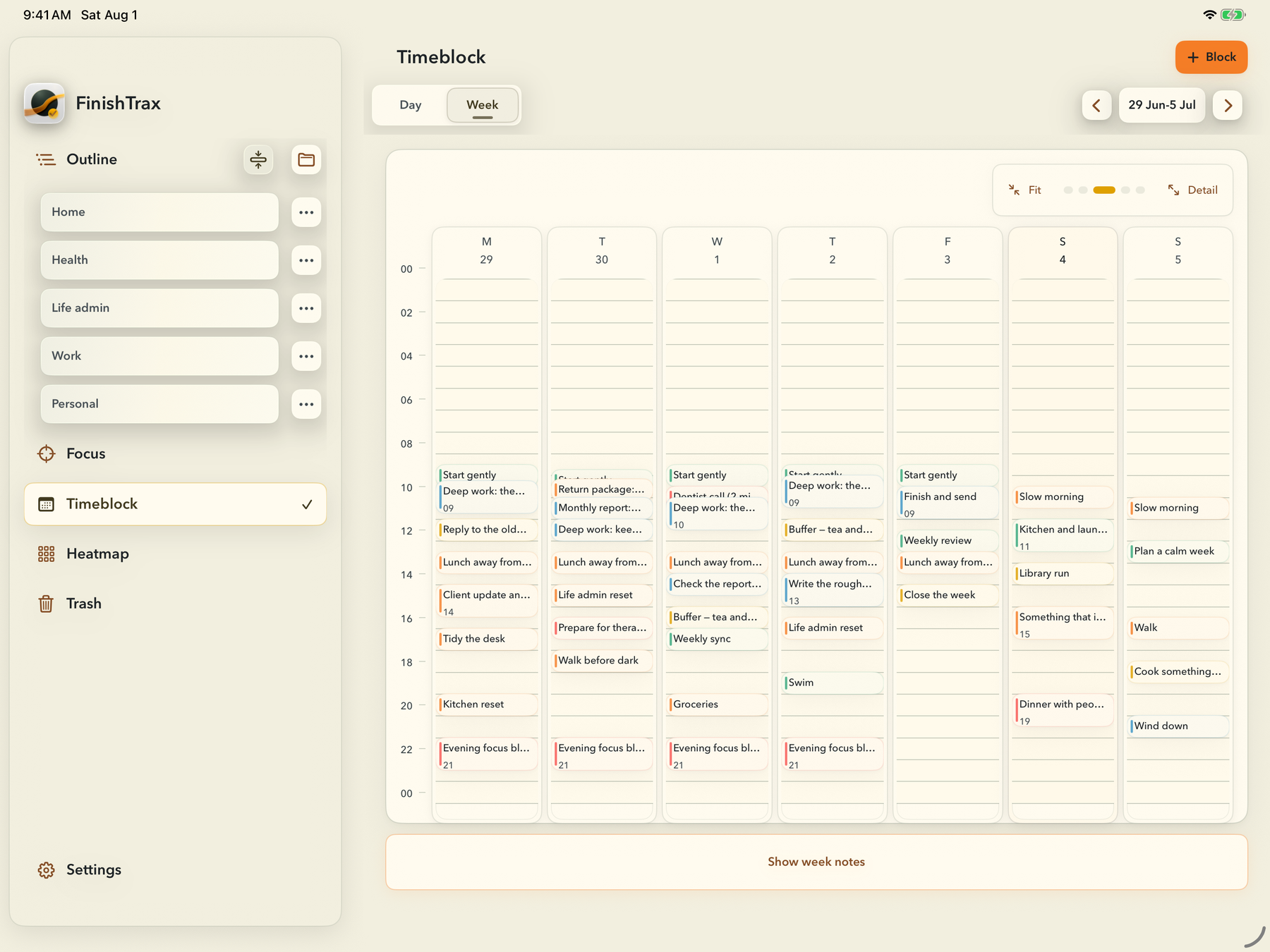
  • Week view when you want the whole shape
  • Blocks link back to the task they came from
  • Week notes for the plan behind the plan
Heatmap

Proof that you
do finish things.

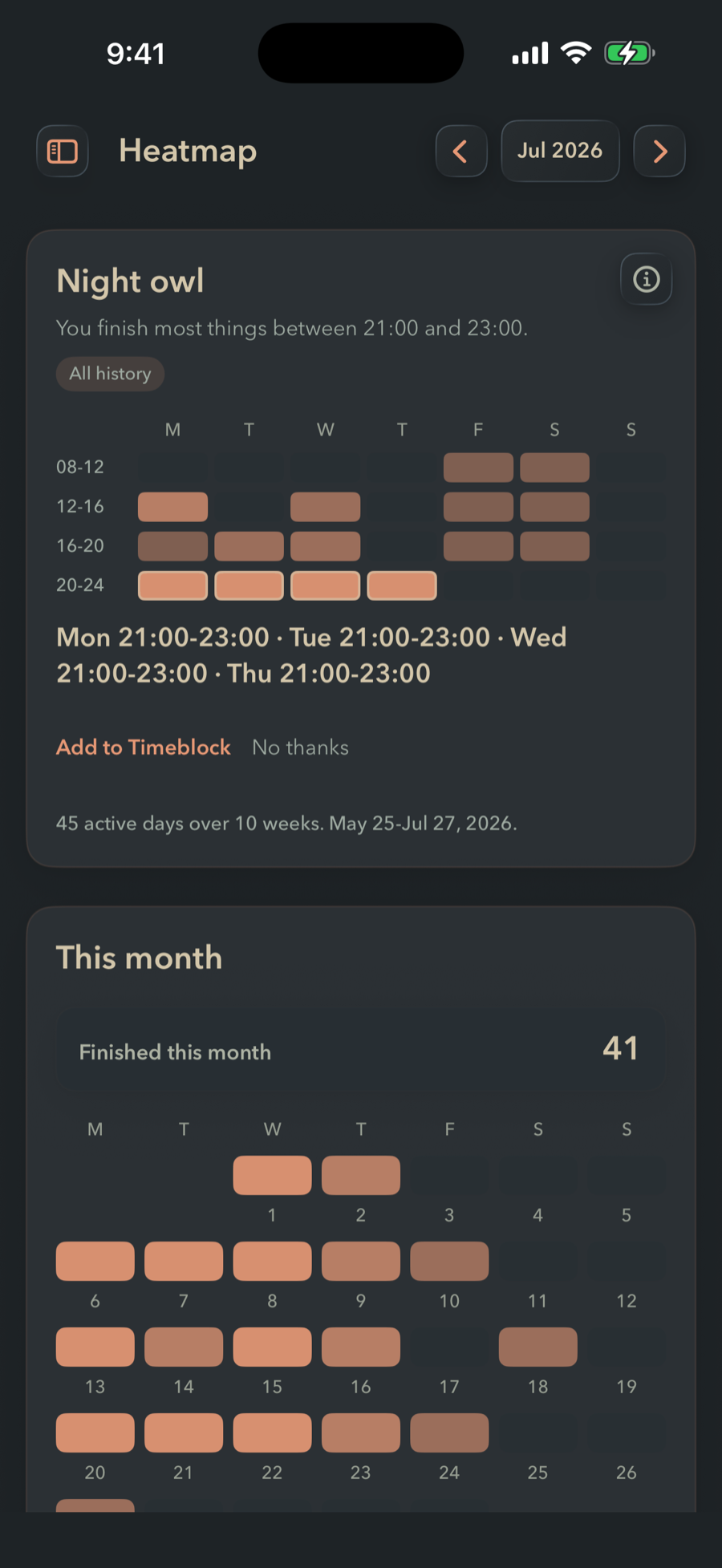
A month view of every task you've completed. No scores, no streaks, no grades. Just your honest history — because one of the hardest parts of ADHD is not believing you're making progress even when you are.

  • Month grid: darker days = more tasks finished
  • Hourly view: see what times you tend to work
  • Pattern insights after enough history builds up
  • No gamification — honest data only
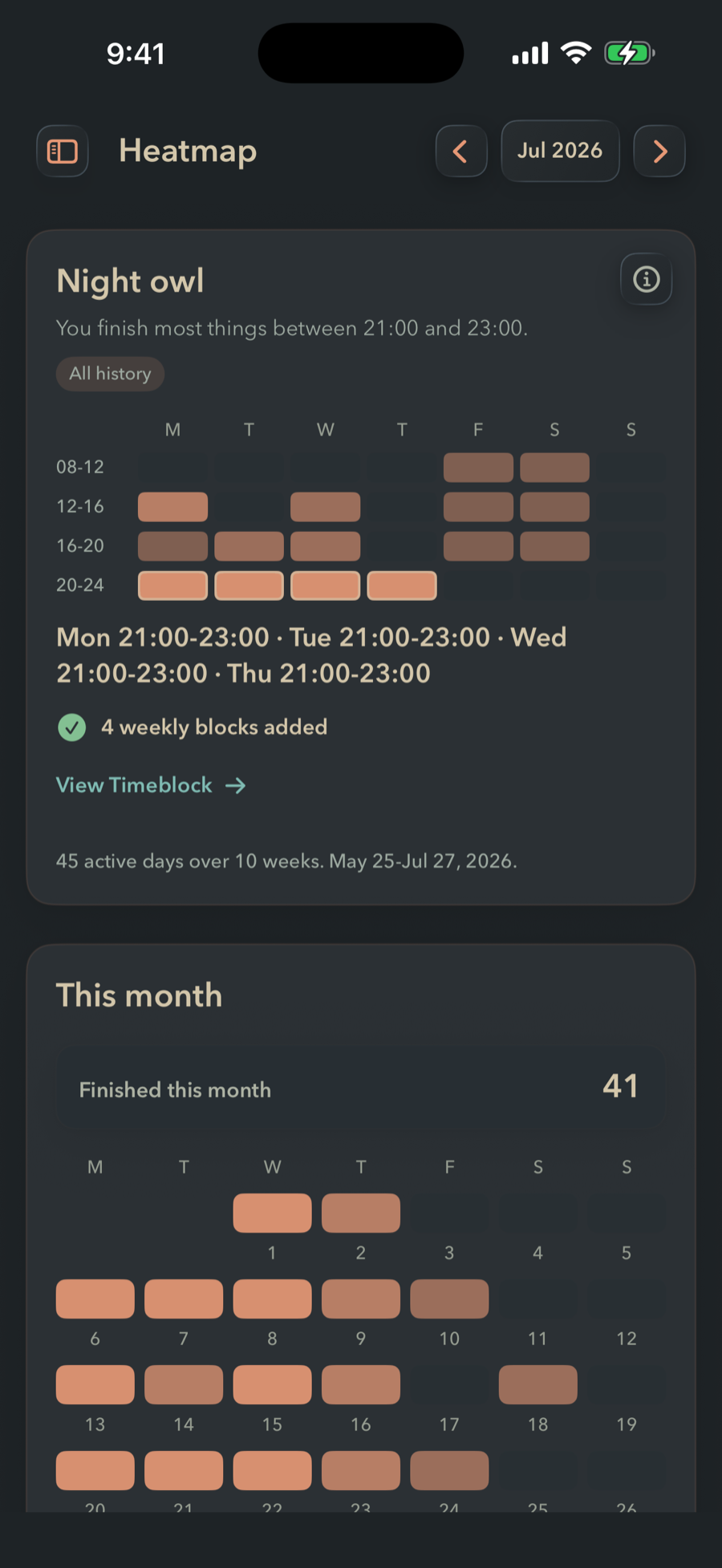
FinishTrax Heatmap. A card titled Night owl reads: you finish most things between 21:00 and 23:00, above a grid of hourly bands by weekday. Below it, This month shows 30 tasks finished on a calendar of warm orange squares.
Themes

Six themes.
Pick the one your eyes
can sit with today.

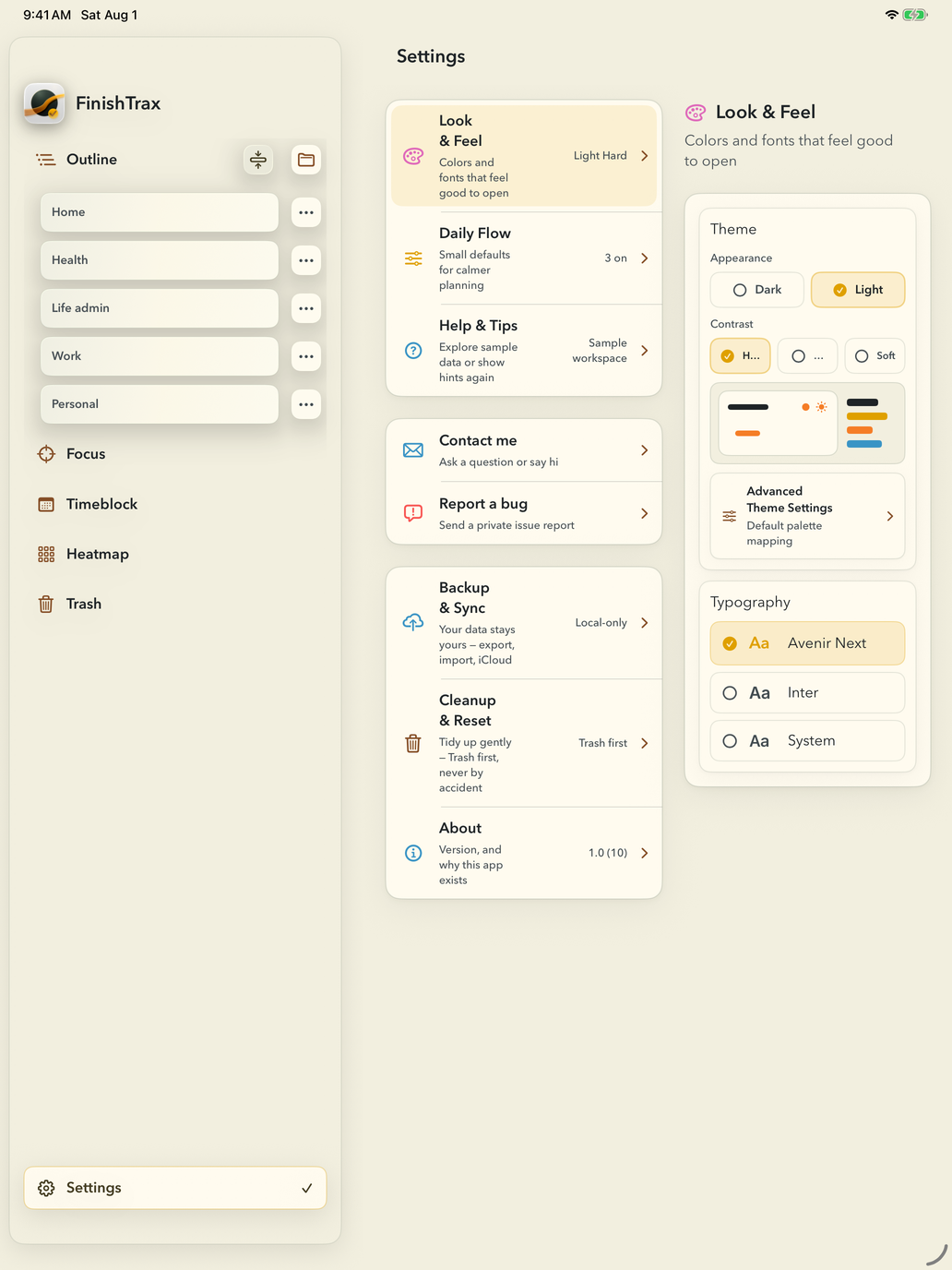
Light and dark, each in three contrast levels. Contrast is a separate choice from light and dark, so you can turn the glare down without flattening the whole screen.

All six are built on the Everforest palette, and every one is checked for text contrast before it ships. If you still want to change something, Advanced Theme Settings lets you remap the individual colour roles — surfaces, text, actions, borders — for dark and light separately.

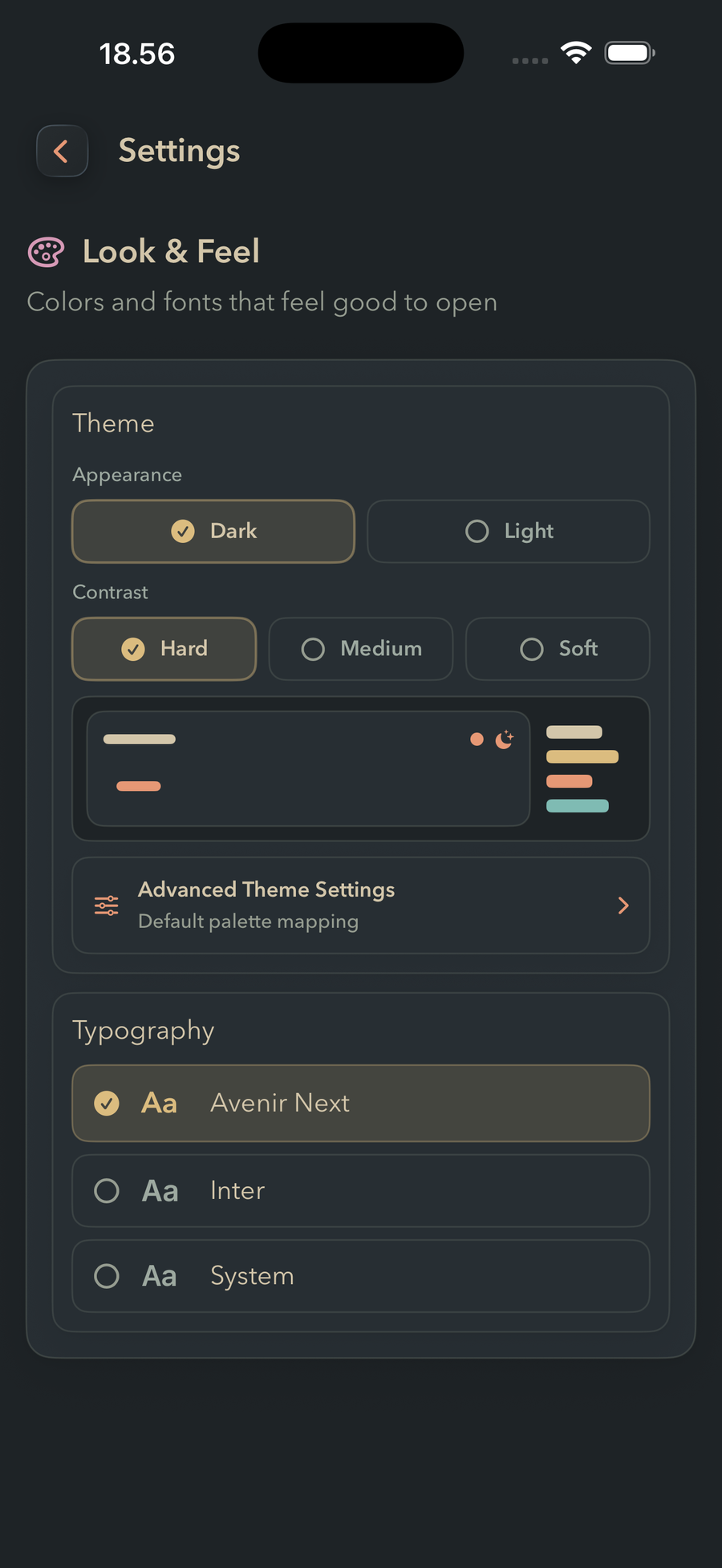
FinishTrax Look & Feel settings. Appearance is set to Dark and Contrast to Hard, with a live preview strip below and a Typography list offering Avenir Next, Inter and System.
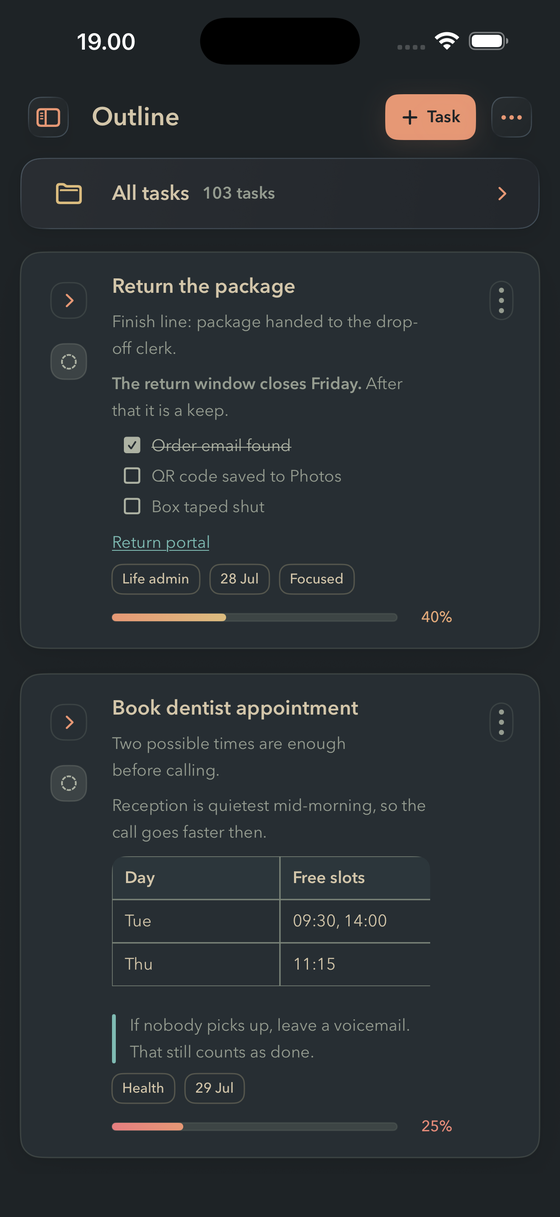
The same FinishTrax Outline screen in the Dark Hard theme.
Dark Hard

Near-black walls

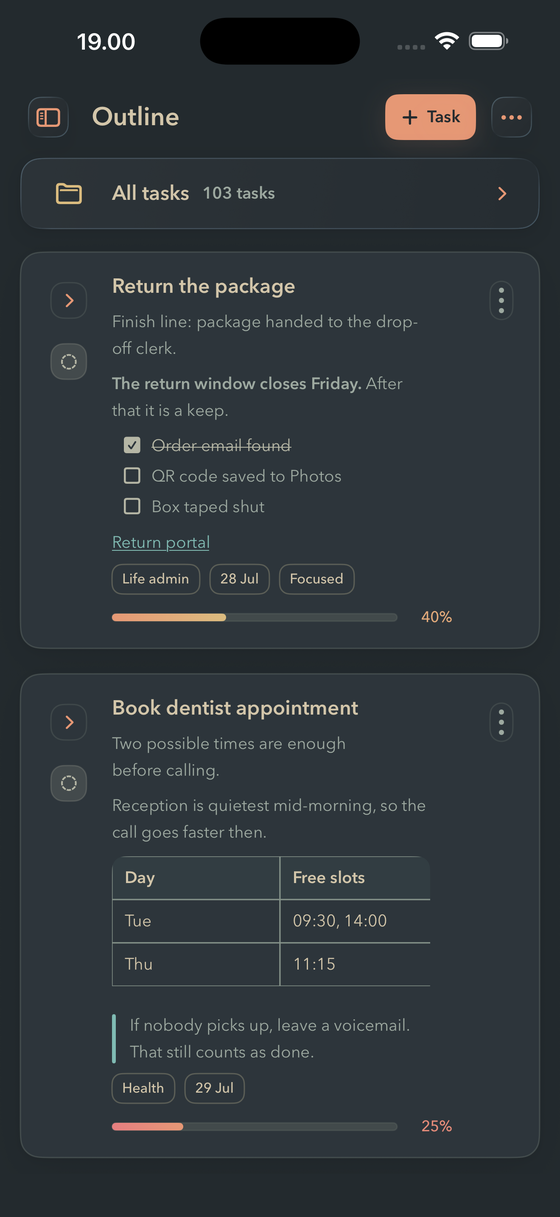
The same FinishTrax Outline screen in the Dark Medium theme.
Dark Medium

Softer dark, less edge

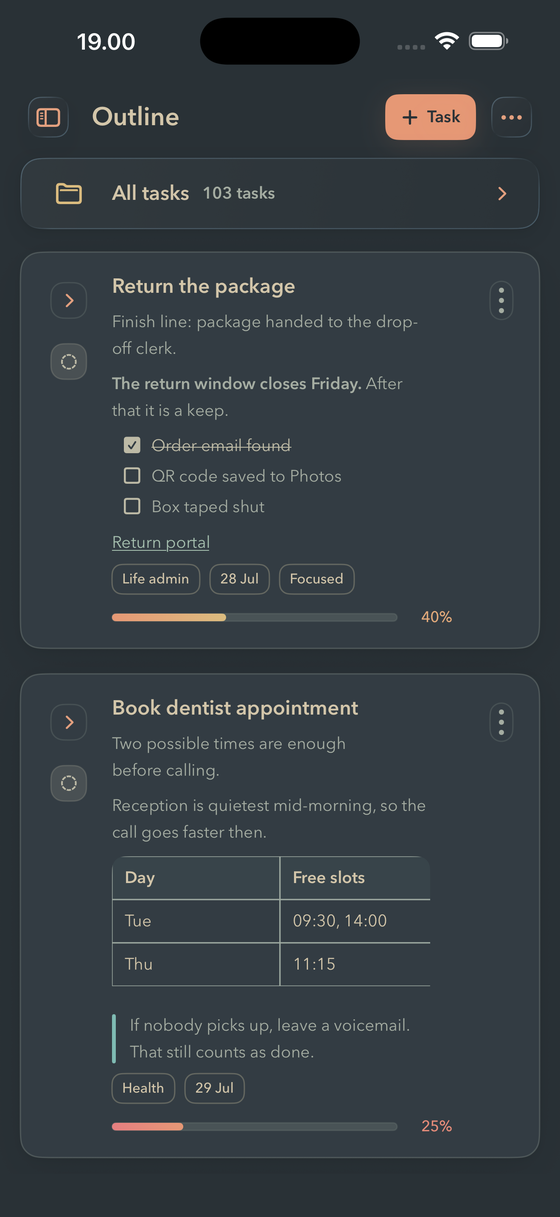
The same FinishTrax Outline screen in the Dark Soft theme.
Dark Soft

Warm grey, lowest glare

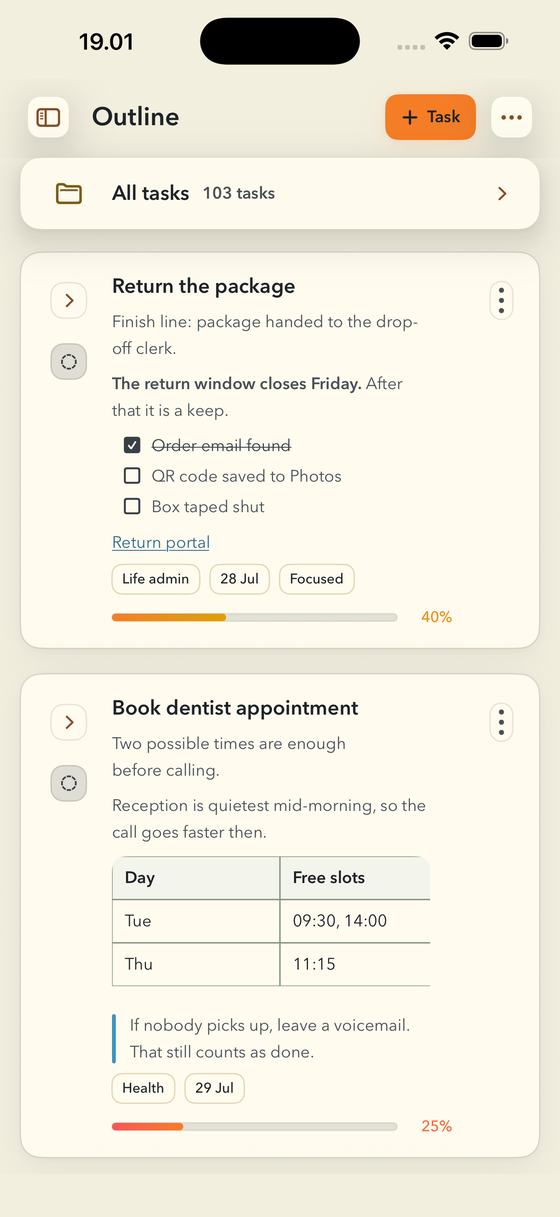
The same FinishTrax Outline screen in the Light Hard theme.
Light Hard

Bright cream, crisp text

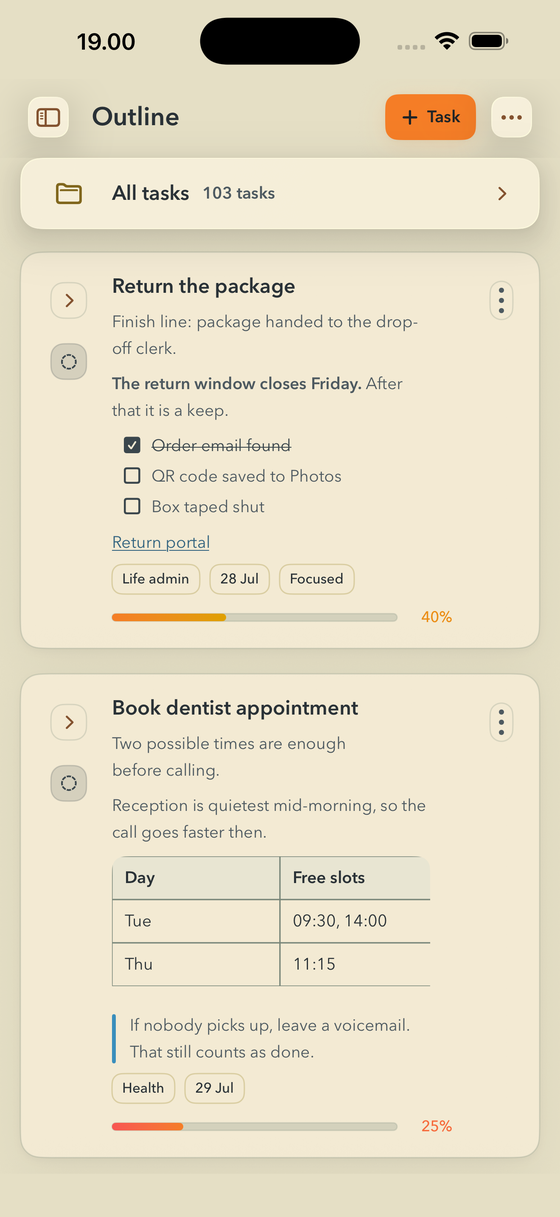
The same FinishTrax Outline screen in the Light Medium theme.
Light Medium

Warmer paper tone

The same FinishTrax Outline screen in the Light Soft theme.
Light Soft

Dimmest light mode

No reminders.
No guilt pings.

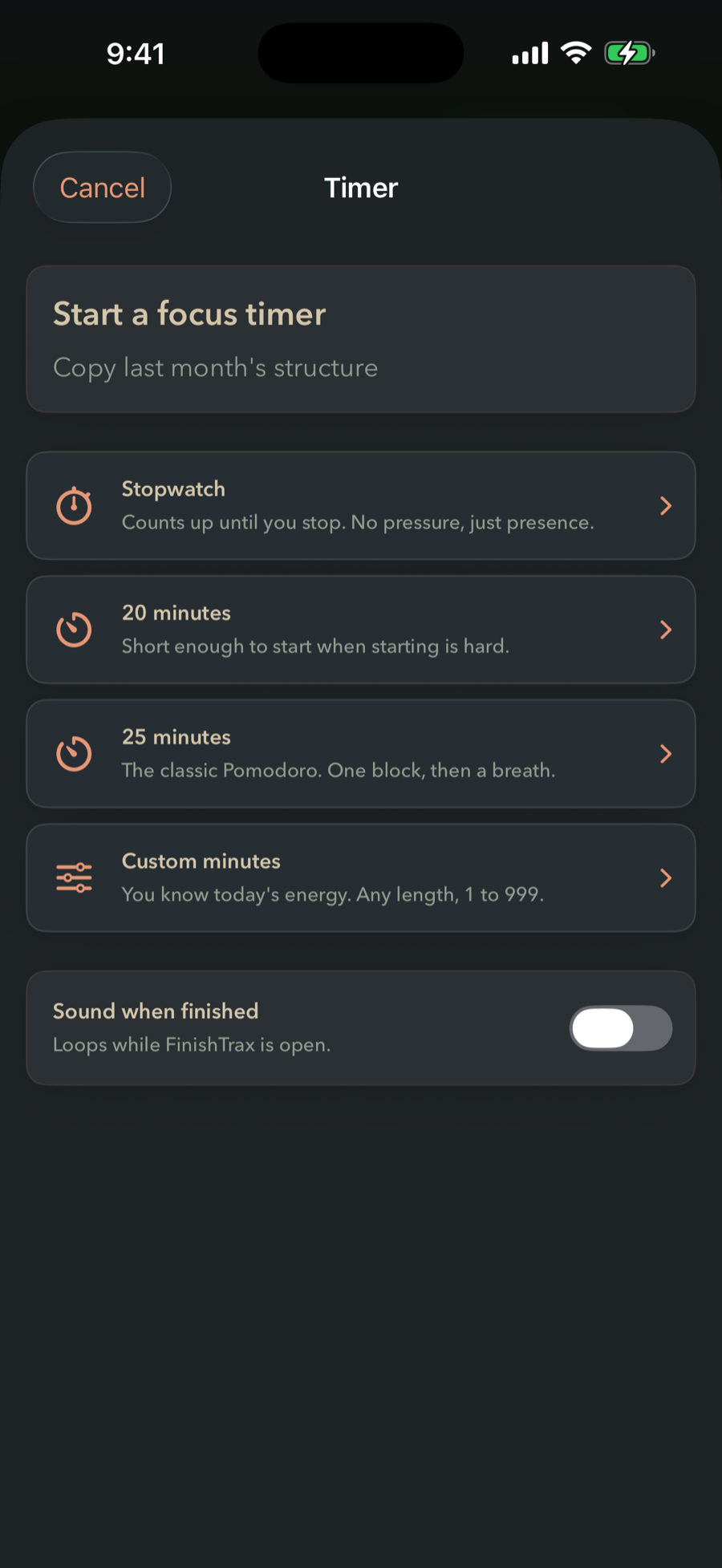
FinishTrax never nags you to come back. The only thing that can ping you is a timer you started yourself — your timer, your call.

Your data stays
on your device.

Everything is local-first. Optional iCloud sync uses Apple's private CloudKit — no FinishTrax server ever touches your tasks.

No streaks.
No scores. No guilt.

You open the app when you're ready. FinishTrax holds your plan quietly until then.

Create your first project. Break it down until the next step feels small enough to actually start.

Then start.

Request private beta access

If nothing opens, email support@finishtrax.app with subject "FinishTrax Private Beta Access".

Private beta · iPhone & iPad · iOS 17+